

Xi’an Travel Tips: Navigating China’s Signal Strength Like a Local
Landing in Xi’an, I was buzzing with excitement—the Terracotta Army, the Muslim Quarter’s street food, the ancient city wall at sunset. But within an hour of arriving, my phone’s screen flickered with a dreaded warning: “No Service.” Panic hit. I’d planned to meet a friend at the Bell Tower, but without Google Maps or WeChat, I was basically lost in a foreign city. That’s when I learned: in Xi’an, signal strength isn’t just a luxury—it’s your lifeline. Over a week of wandering, getting stuck, and figuring things out, I picked up practical tips that turned my signal struggles from a nightmare into a minor hiccup. Let me save you the headache.
First Things First: China’s Telecom Providers—Who’s Who?
Before you even think about Wi-Fi, you need a SIM card. China has three major telecom carriers, and their signal strength varies wildly depending on where you are:
- China Mobile (中国移动): The undisputed king of coverage. If you’re heading to rural areas, remote temple sites, or even the crowded Terracotta Army pits, Mobile’s 4G/5G signal is your best bet. I tested it on the city wall—where hundreds of tourists swarm—and still had strong enough signal to live-stream stories. Downside? Their international roaming plans can be pricey.
- China Unicom (中国联通): Solid in urban areas like downtown Xi’an (near the Bell Tower, Muslim Quarter) and major malls. If you’re sticking to the city center, Unicom’s plans are often cheaper than Mobile’s. But I lost signal completely when I took a day trip to Mount Li (30km outside Xi’an)—so not ideal for venturing far.
- China Telecom (中国电信): Reliable for voice calls and text messages, but their data coverage is spottier. I only used them as a backup when my friend’s Mobile SIM ran out of data.
My advice: Grab a China Mobile SIM card the moment you land. Xi’an Xianyang International Airport has counters in the arrival hall—look for the bright red “中国移动” signs. A 30-day tourist plan with 10GB of data costs around ¥150 (≈$20). You’ll need your passport to register—this is mandatory in China, so don’t forget it!
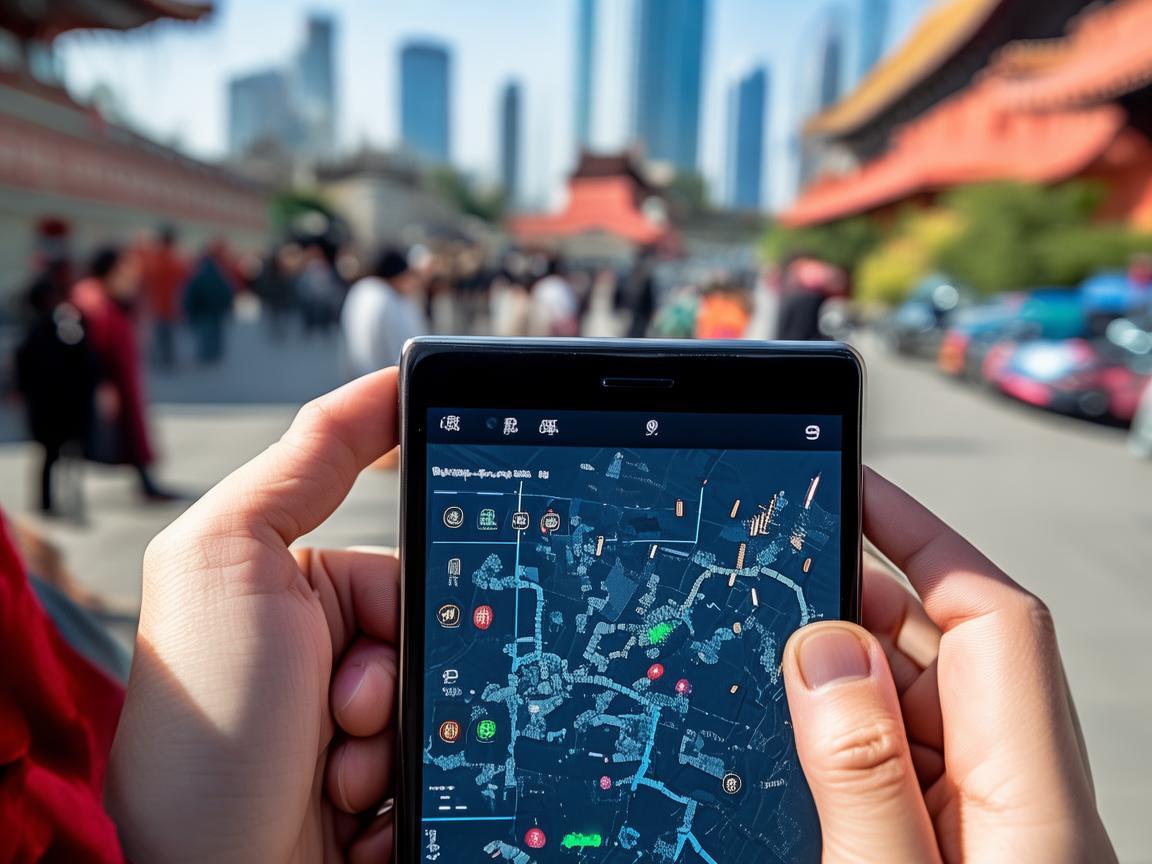
Xi’an Travel Tips: Navigating China’s Signal Strength Like a Local
Wi-Fi: Free vs. Reliable—What to Expect
Xi’an’s hotels, cafes, and even some buses offer free Wi-Fi, but don’t rely on it for navigation or emergencies. Here’s the real talk:
- Hotels: Most 3-4 star hotels have decent Wi-Fi, but it’s slow during peak hours (evenings). I stayed near the South Gate, and my hotel’s Wi-Fi cut out every time I tried to video-call family. Pro tip: Ask the front desk for the password and the Wi-Fi name—some hotels have multiple networks, and the “guest” one is often stronger.
- Tourist Spots: The Terracotta Army, Big Wild Goose Pagoda, and the Muslim Quarter have free Wi-Fi, but it’s overloaded. I waited 10 minutes just to load a menu at a Muslim Quarter restaurant because the Wi-Fi was crawling. Use it for quick photo uploads, not Google Maps.
- Cafes and Restaurants: Starbucks and international chains (like McDonald’s) have reliable Wi-Fi, but local spots? Not so much. One cute tea shop in the Muslim Quarter had a “Free Wi-Fi” sign, but the password was a 16-character Chinese phrase I couldn’t decipher. Lesson learned: If you need Wi-Fi, stick to chains or download your maps offline.
Offline Maps: Your Secret Weapon for Bad Signal
This is the most important tip I learned. China blocks Google Maps, so your go-to navigation app won’t work. Instead, use Baidu Maps (百度地图) or Amap (高德地图)—both have offline modes that saved me multiple times.
Here’s how to set it up:
- Before you leave home, download Baidu Maps from the App Store or Google Play.
- Open the app, search for “Xi’an,” and tap the “Download” button (it looks like a down arrow).
- Download the entire city map—this takes up about 1.5GB, but it’s worth it.
I tested this on the city wall, where my phone’s Mobile signal was weak but not dead. Baidu Maps’ offline mode worked perfectly, guiding me to the East Gate bus stop without a hitch. It even shows real-time bus schedules offline—a lifesaver when you’re trying to get back to your hotel before dark.
Signal Blackspots: Where to Be Extra Prepared
Xi’an is a modern city, but some areas have terrible signal—especially if you’re off the beaten path. Here are the top “signal blackspots” and how to handle them:
- The Terracotta Army: The pits are huge, and hundreds of tourists mean network congestion. I had to stand by a wall to get 1 bar of 4G to message my friend, “I’m at Pit 3!” Solution: Meet your group outside the pits, agree on a time to regroup, and then explore solo. Use offline maps to avoid getting lost.
- Mount Li (华清宫): This scenic spot, 30km east of Xi’an, has patchy signal. I went hiking and lost service completely for 2 hours. If you’re planning a trip here, tell someone your itinerary and carry a portable power bank—your phone’s battery will drain faster when it’s searching for signal.
- The Muslim Quarter at Night: The narrow alleyways are packed with people, and the 5G network gets overloaded. I saw at least 10 tourists frantically trying to reload WeChat to pay for food. Pro tip: Download WeChat’s “offline payment” feature beforehand (you need to link a bank card). This lets you pay even without signal—merchants just scan a QR code, and the payment processes later.
Emergency Contacts: What to Do When Signal Fails
Let’s be real: sometimes, even the best prep isn’t enough. If you’re in a jam with no signal, here’s how to get help:
- Tourist Hotline: Call 12301. This is China’s national tourism hotline, and they speak English. I used it when I missed my last bus to the airport—they directed me to a nearby taxi stand and even helped me negotiate the fare.
- Hotel Front Desk: Save your hotel’s number in your phone before you leave. If you’re lost, call them—they can often speak enough English to guide you back, or send someone to pick you up.
- WeChat “People Nearby”: If you’re traveling with friends, enable WeChat’s “People Nearby” feature. Even if you both have no signal, if you’re within 100 meters of each other, the app will show your location. I used this to find my friend in the chaotic Muslim Quarter—she was hiding in a bubble tea shop, and I “pinged” her from the street.
Final Thoughts: Don’t Let Signal Stress Ruin Your Trip
By the end of my week in Xi’an, I’d figured out the rhythm of signal strength: strong in the city center, spotty in tourist hotspots, and nonexistent in remote areas. But with a China Mobile SIM, offline maps, and a little planning, I stopped worrying about my phone and started enjoying the city—biting into a roujiamo (Chinese hamburger) while watching the sunset from the city wall, or getting lost in the Muslim Quarter’s spice stalls.
Xi’an is a city of ancient wonders, and your phone should be a tool to explore, not a source of stress. So pack a power bank, download those maps, and trust that even if your signal drops, the kindness of strangers (and a good telecom plan) will see you through. Now go—there’s terracotta warriors waiting.
Xi’an Airport Transfer Service
Private English-speaking driver service in Xi’an operated directly by Bruce Zhang. 24/7 airport pickup and hotel transfer for foreign travelers.
Helpful for Your Trip in Xi’an
Solved: My China SIM Card Nightmare in Xi’an (and How You Can Fix Yours Fast!)
2026-06-03Traveling Xi’an: A Tourist’s Guide to Staying Connected and Saving Money on China SIM Packages
2026-06-03China SIM Roaming Setup: A Traveler’s No-Stress Guide
2026-06-03Reactivate Your China SIM: A Traveler’s Guide to Staying Connected in Xi’an
2026-06-03Xi’an on a Budget: My Essential Pocket WiFi Tips for Travelers
2026-06-03A Traveler’s Survival Guide to Xian: Connectivity, Ancient Walls, and Unforgettable Eats
2026-06-03Navigating China’s SIM Verification as a Tourist: My Xi’an Survival Guide
2026-06-03Xi’an Travel Guide: How to Score a Reliable China SIM Shop (and Why It’s a Lifesaver)
2026-06-03Your China SIM Survival Guide: Staying Connected in Xi’an Like a Local
2026-06-02Your Lifeline in Xi’an: Why a China SIM Card is a Travel Game-Changer
2026-06-02