

Xi’an Travel Tips: How a China SIM Vending Machine Made My Trip Seamless
Landing in Xi’an at 8 AM, I was buzzing with excitement—this was my first time in China, and I couldn’t wait to explore the Terracotta Army, Muslim Quarter, and Ancient City Wall. But within an hour of touching down, my excitement hit a wall: my phone’s international roaming was charging me $12 per gigabyte, and I’d already burned through 1GB just checking maps and messaging my family. “I need a local SIM card,” I muttered to myself, but the thought of navigating language barriers at a crowded counter made me anxious. That’s when I spotted a bright yellow sign: “China SIM Vending Machine—Self-Service, 24/7.” It turned out to be a game-changer, and here’s exactly how it saved my trip—so you can skip the stress and start exploring.
Xi’an Travel Tips: How a China SIM Vending Machine Made My Trip Seamless
Why a Local SIM Card Non-Negotiable in Xi’an
Before I dive into the vending machine magic, let’s talk why you need one. Xi’an is amazing, but it’s not a city where you can rely on free WiFi everywhere. At the Terracotta Army, for example, the WiFi was spotty and required a Chinese phone number to log in. When I wanted to grab a taxi via Didi (China’s Uber), the app wouldn’t let me register without a local number. Even paying for street snacks—weirdly, some vendors only accept WeChat Pay, which needs a Chinese SIM to link to your bank account. International roaming? Forget it—at $10–$20/day, it’s a budget killer. A local SIM, by contrast, costs next to nothing and gives you freedom: no more hunting for WiFi, no more overcharging, no more missing out on authentic experiences.
Finding the SIM Vending Machine: Airport to City
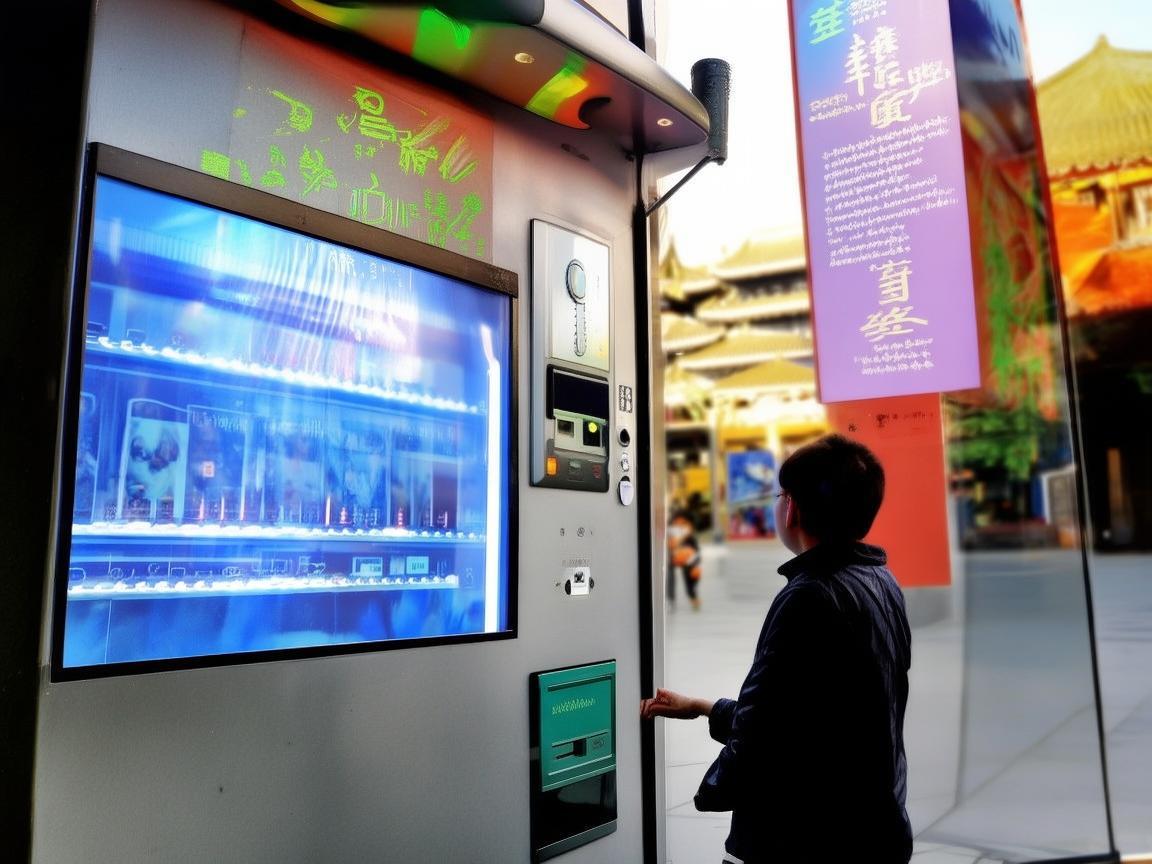
My first stop was Xi’an Xianyang International Airport (XIY), and I found the vending machine right where I needed it: in the Arrival Hall, near Baggage Claim 3. It’s hard to miss—bright yellow, about 5 feet tall, with a touchscreen and slots for passports/payment. There’s a small sign in English and Chinese that says “China SIM Card—Tourist Friendly.” If you’re coming from the city center, you’ll also find machines at Xi’an North Railway Station (near the exit of High-Speed Rail Hall 2) and a few big malls like Century Ginwa Plaza (on the first floor, near the customer service desk). But the airport one is the most convenient—grab your SIM before you even get a taxi.
Step-by-Step: Buying a SIM from the Vending Machine
I’m not tech-savvy, but this machine was idiot-proof. Here’s exactly what I did:
Choose Your Language
The screen turned on in Chinese, but there was a clear “English” button in the top-right corner. Tapped it—done.
Pick a Carrier
Three options popped up: China Mobile, China Unicom, and China Telecom. I’d read online that China Mobile has the best coverage in Xi’an, especially in rural areas like the Terracotta Army (which is a bit outside the city). I chose China Mobile—no regrets.
Pick a Plan
This is where the machine shines: tourist-specific plans. I scrolled and saw a “7-Day Tourist Pack” for 30 RMB (~$4) with:
- 10GB of high-speed 4G data (enough for Google Maps, WeChat, and even some video calls)
- 100 minutes of domestic calls
- Free access to popular apps (WeChat, Douyin, Baidu Maps)—no need for a VPN!
There was also a “30-Day Plan” for 100 RMB (~$14) with 30GB data, but since I was only staying 5 days, the 7-day deal was perfect.
Insert Your Passport
The machine prompted me to scan my passport. I placed it on the scanner (the slot is on the right side), and it automatically grabbed my photo and visa details. Important: You must use your passport—ID cards or driver’s licenses won’t work, as Chinese SIMs require real-name registration.
Pay
It asked for payment: Alipay, WeChat Pay, or credit/debit card. I had set up Alipay before my trip (you can do it via the app with your passport), but it also accepted my Visa debit card. I tapped “Credit Card,” inserted my card, and entered my PIN—done in 10 seconds.
Get Your SIM
The machine whirred for a second, and a little tray popped out with the SIM card and a tiny instruction manual (in English!). I ejected my phone’s SIM tray, popped in the new one, restarted my phone, and… full bars. I opened Google Maps—no more “No Internet” error. I called my mom—clear as day. I was officially connected.
Using Your SIM: What to Expect
Once I had the SIM, my trip transformed. Here’s how I used it every day:
- Navigation: Google Maps worked flawlessly, even in the narrow alleys of the Muslim Quarter. I walked from the Bell Tower to the Great Mosque without getting lost—something I’d never manage with paper maps.
- Food & Shopping: At the Muslim Night Market, I used WeChat Pay to buy roujiamo (Xi’s “hamburger”) and yangrou paomo (bread soup). Vendors would scan a QR code, I’d open WeChat, confirm the payment—done. No cash needed, no language barriers.
- Rides: Didi was my go-to for getting back to my hotel at night. I just entered my destination, and a driver picked me up in 5 minutes. Way cheaper than taxis!
- Emergency: When I got separated from my friend at the Terracotta Army, I just called her—no more standing around, waving my phone like a maniac.
The only minor hiccup? Some apps (like Instagram or WhatsApp) need a VPN to work, but I’d downloaded a free VPN beforehand (Psiphon is reliable). The SIM’s “free app access” meant WeChat, Douyin, and Baidu Maps worked without a VPN—perfect for daily use.
Pro Tips for Using China SIM Vending Machines
After my trip, I chatted with other travelers, and here’s what they wished they’d known:
- Bring Your Passport: This is non-negotiable. No passport = no SIM. Keep it handy in your carry-on.
- Choose China Mobile for Coverage: If you plan to visit smaller sites (like the Famen Temple, 2 hours outside Xi’an), China Mobile’s network is the most reliable.
- Recharge If You Stay Longer: The 7-day plan is great for short trips, but if you’re staying over a week, you can recharge the machine. Just tap “Recharge” on the home screen, enter your phone number, and pay via Alipay/WeChat.
- Don’t Fear the Machine: They’re everywhere in tourist cities, and the English interface is easy to use. If you get stuck, there’s a “Help” button with a customer service hotline—staff speak basic English.
- Turn Off Data Roaming: Once you insert the local SIM, go to your phone’s settings and turn off “International Data Roaming” to avoid accidental charges.
Final Thoughts: A Small Purchase, Big Impact
By the end of my trip, that 30 RMB SIM card felt like the best money I’d spent. It turned a stressful start (no internet, no way to communicate) into a smooth, adventure-filled week. I didn’t have to worry about overcharging, I could explore freely, and I even made a local friend—we chatted via WeChat Translate while eating biangbiang noodles at a street stall.
If you’re heading to Xi’an (or any city in China), do yourself a favor: find a China SIM vending machine as soon as you land. It’s cheap, easy, and will let you focus on what matters—discovering this incredible city. Trust me, you won’t regret it.
Now go—grab that SIM, and get ready to fall in love with Xi’an. 🚀
Xi’an Airport Transfer Service
Private English-speaking driver service in Xi’an operated directly by Bruce Zhang. 24/7 airport pickup and hotel transfer for foreign travelers.
Helpful for Your Trip in Xi’an
Solved: My China SIM Card Nightmare in Xi’an (and How You Can Fix Yours Fast!)
2026-06-03Traveling Xi’an: A Tourist’s Guide to Staying Connected and Saving Money on China SIM Packages
2026-06-03China SIM Roaming Setup: A Traveler’s No-Stress Guide
2026-06-03Reactivate Your China SIM: A Traveler’s Guide to Staying Connected in Xi’an
2026-06-03Xi’an on a Budget: My Essential Pocket WiFi Tips for Travelers
2026-06-03A Traveler’s Survival Guide to Xian: Connectivity, Ancient Walls, and Unforgettable Eats
2026-06-03Navigating China’s SIM Verification as a Tourist: My Xi’an Survival Guide
2026-06-03Xi’an Travel Guide: How to Score a Reliable China SIM Shop (and Why It’s a Lifesaver)
2026-06-03Your China SIM Survival Guide: Staying Connected in Xi’an Like a Local
2026-06-02Your Lifeline in Xi’an: Why a China SIM Card is a Travel Game-Changer
2026-06-02