

Navigating Xi’an Like a Local: How Financial Apps Made My Trip Easier
Let me start by saying this: I’m not a tech-savvy traveler. I usually stick to cash and credit cards, preferring the simplicity of “swipe and go.” But my recent trip to Xi’an? That was a wake-up call. China’s shift to a cashless society is real, and if I’d ignored it, I’d have been stuck—literally—unable to buy a bowl of noodles or a metro ticket. Enter financial apps: Alipay and WeChat Pay. These weren’t just “helpful”; they were my lifeline. Let me break down exactly how I used them to navigate Xi’an like a local, step by step.
First Things First: Download and Set Up (Before You Leave Home!)
I learned this the hard way: don’t wait until you land in Xi’an to download these apps. The airport WiFi is slow, and signing up requires a Chinese phone number (which I didn’t have). So, a week before my trip, I:
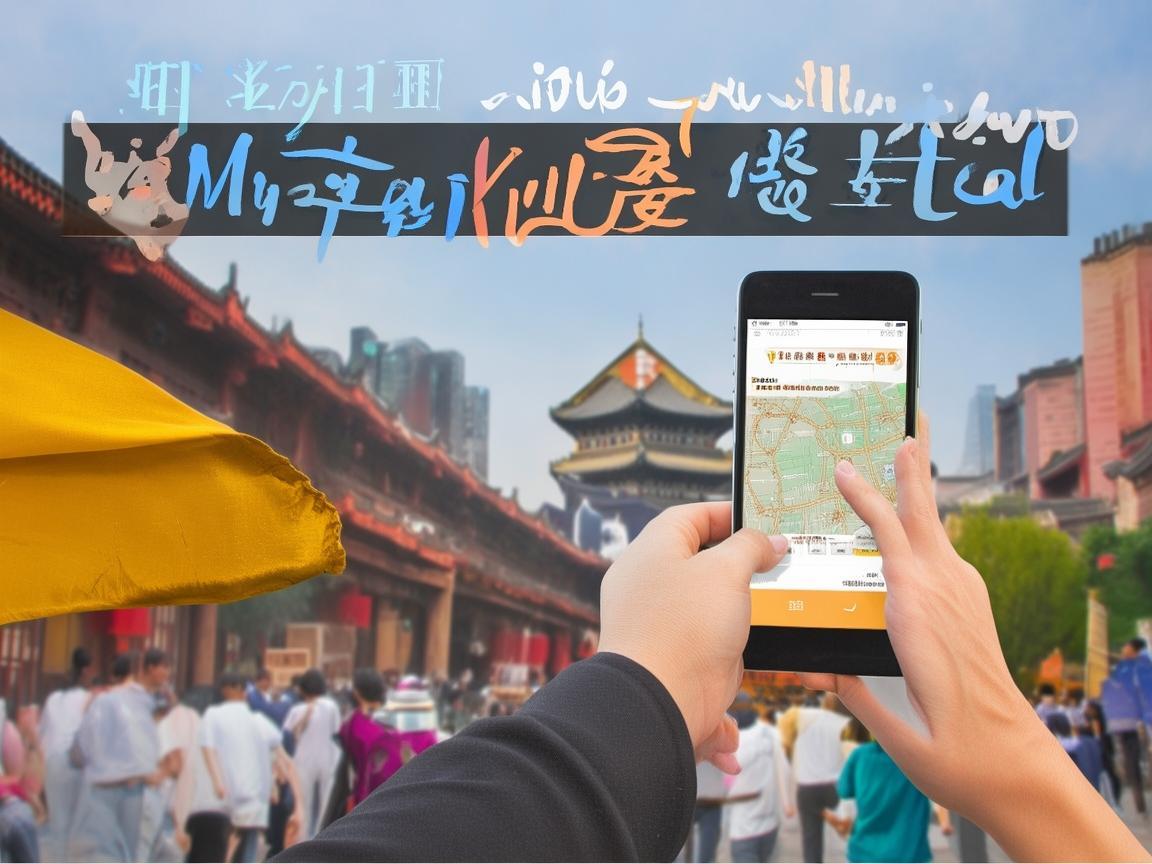
Navigating Xi’an Like a Local: How Financial Apps Made My Trip Easier
- Downloaded Alipay (from the App Store/Google Play—make sure it’s the official one!) and WeChat Pay (built into the WeChat app, which I already had for messaging).
- Linked my international credit card (Visa) to both. In Alipay, go to “Me” > “Wallet” > “Payment Methods” > “Add Bank Card.” For WeChat, it’s “Me” > “Wallet” > “Payment Methods” > “Add Bank Card.” I had to enter my card details and verify a small test charge (around $0.30), but it took 5 minutes.
- Enabled “International Travel Mode” in both apps. This lets you use foreign cards without issues—some apps block foreign transactions by default.
Paying for Everything: From Noodles to Souvenirs
Xi’an is a food lover’s paradise, but street stalls and small restaurants? Cash-only, I thought. Wrong. Almost every single vendor—from the roujiamo (meat burger) stall near the Muslim Quarter to the dumpling shop in the back alley—had a QR code for Alipay or WeChat Pay. Here’s how I paid:
- For small purchases (under $10), I used WeChat Pay. Open WeChat, tap “Wallet,” then “QR Code.” The vendor scans my code, and money is deducted from my linked card. No cash, no change needed.
- For bigger buys (like silk scarves or Terracotta Army replicas), I used Alipay. It has a “Buy Now, Pay Later” feature called “Huabei” (similar to Afterpay), but I stuck to my credit card for safety. In Alipay, tap “Pay” > “Scan QR Code,” and the vendor scans it.
One time, I tried to pay a taxi driver with cash, and he laughed, waving my 10-yuan bill away. “WeChat Pay!” he said, pointing to a QR code on his dashboard. I opened WeChat, scanned it, and was on my way. No hassle, no “do you take credit cards?” awkwardness.
Getting Around: Metro, Buses, and Taxis—All Paid via Apps
Xi’an’s public transport is efficient, but buying tickets at the station can be confusing (signs are in Chinese, and machines don’t always take foreign cards). Instead, I used:
- Alipay’s “Transport” feature for metro and buses. Open Alipay, tap “Transport” > “Metro,” then select “Xi’an.” It generates a dynamic QR code that refreshes every minute. At the metro station, I just scanned it at the gate—no ticket needed. For buses, same thing: scan the code when you board. The fare is automatically deducted (usually 2-4 yuan per ride).
- Didi (China’s Uber) for taxis. I downloaded the Didi app, linked my WeChat Pay, and entered my destination. When the ride ended, payment was automatic—no cash, no arguing over fares. Pro tip: Didi has an “English” option in settings; use it to avoid language barriers.
Booking Hotels, Tickets, and More: No More Long Lines
I hate waiting in line, especially when I’m on vacation. Financial apps saved me here, too:
- Hotels: I booked mine on Ctrip (Trip.com), which is linked to Alipay. Paid via Alipay, got an instant confirmation, and when I checked in, the hotel just scanned my ID—no deposit needed (the app handled the payment).
- Attractions: The Terracotta Army, Big Wild Goose Pagoda, Shaanxi History Museum—all these have long ticket lines. Instead, I bought tickets on Fliggy (another app linked to Alipay) the night before. For the Terracotta Army, I just showed my QR code at the entrance and walked right in. Saved at least an hour!
- Food delivery: One night, I was too tired to go out. I opened Meituan (a food delivery app linked to WeChat Pay), ordered dumplings from a nearby restaurant, and paid via WeChat. The food arrived in 30 minutes.
Tracking Spending: Budgeting Without the Headache
I’m terrible at tracking travel expenses. I usually come home and realize I spent way too much on bubble tea. But WeChat Pay and Alipay have built-in “Bill” features that changed the game:
- WeChat Pay: Go to “Wallet” > “Bills,” and you’ll see every transaction, categorized by “Food,” “Transport,” “Shopping,” etc. I could see I’d spent 200 yuan on lamb skewers (oops) and 50 yuan on metro rides—helpful for adjusting my budget.
- Alipay: Has a “Statistics” feature under “Me” > “Wallet.” It shows monthly spending, even breaks it down by city. By the end of my trip, I knew exactly how much I’d spent and where.
Safety Tips: Avoiding Scams and Staying Secure
Financial apps are convenient, but you have to be smart. Here’s what I did to stay safe:
- Never use public WiFi for payments: I turned off WiFi and used my mobile data (it’s cheaper than you think—buy a 1GB data plan for $10 before you go). Public WiFi can be hacked, and scammers might steal your card details.
- Set a payment password: In both apps, I set a 6-digit password for transactions over 100 yuan. Even if someone stole my phone, they couldn’t spend my money without the password.
- Ignore “phishing” messages: I got texts saying my “Alipay account was frozen” and I needed to click a link to verify it. Alipay and WeChat Pay never send links like that—always delete them. If you’re unsure, contact support through the app.
Final Thoughts: Financial Apps Are a Game-Changer
By the end of my trip, I was hooked. I didn’t touch a single yuan of cash, and I never felt stressed about money. Alipay and WeChat Pay made everything—from buying a bottle of water to booking a train ticket—effortless. If you’re planning a trip to Xi’an (or anywhere in China), download these apps before you go. Link your card, set up the features, and trust the process. You’ll save time, avoid hassle, and spend more time enjoying the city—like eating roujiamo in the Muslim Quarter or cycling on the city walls.
Xi’an is a city of history and culture, but it’s also a city of the future. And with financial apps, you can explore it like a local—no cash required.
Xi’an Airport Transfer Service
Private English-speaking driver service in Xi’an operated directly by Bruce Zhang. 24/7 airport pickup and hotel transfer for foreign travelers.
Helpful for Your Trip in Xi’an
Traveling Xi’an as a Tourist: PayPal and Other Payment Tips You Need to Know
2026-06-03Xi’an Travel: When Your Foreign Card Gets Rejected—Practical Tips to Save Your Trip
2026-06-03UnionPay in China: A Tourist’s Practical Guide from Xi’an
2026-06-03Xi’an Unlocked: A Traveler’s Love Letter to Scan-to-Pay
2026-06-03Navigating Xi’an: A Traveler’s Guide to Payments, Registration, and Practical Tips
2026-06-03Navigating KFC Payments in China: A Traveler’s Practical Guide
2026-06-03Xi’an for Tourists: A Practical Guide to Payments (Learn from Expats!)
2026-06-03Xi’an Theme Park Payment: A Tourist’s Practical Guide (From Someone Who Almost Paid Too Much!)
2026-06-02Navigating Xian: A Foreigners Guide to the Best Way to Carry Money in China
2026-06-02Xi’an Travel Made Easy: My NFC Pay Tips for Tourists
2026-06-02