

Navigating KFC Payments in China: A Traveler’s Practical Guide
Let me tell you—when I first landed in Xi’an, hungry and jet-lagged, KFC felt like a safe bet. I’d grown up with the chain back home, so familiar red-and-white signs were a welcome sight. But that comfort vanished the moment I reached the counter: “We only take WeChat Pay or Alipay,” the cashier said, smiling politely but firmly. I stood there, wallet in hand, clutching a stack of cash and a confused look. “But… I have cash!” I stammered. She just repeated, “Mobile payment only.”
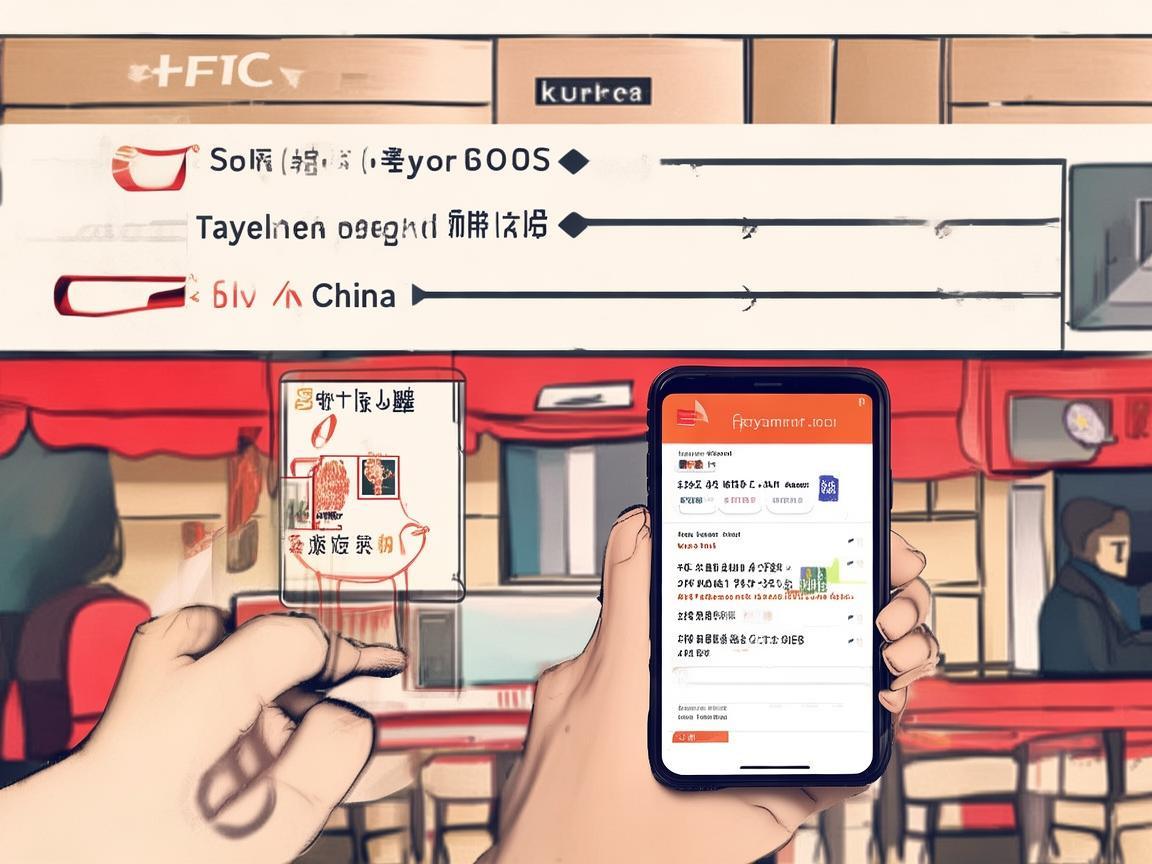
Navigating KFC Payments in China: A Traveler’s Practical Guide
That was my first lesson in China’s cashless revolution. If you’re traveling to Xi’an (or anywhere in China), KFC is everywhere—quick, affordable, and a great break from street food when your stomach needs a reset. But paying there? It’s a whole different ballgame. Here’s what I wish I’d known before my first KFC run, broken down step by step so you can walk in confident, not cash-flustered.
First Things First: Why Cash Isn’t King at KFC (Anymore)
China leapfrogged credit cards straight into mobile payments. While cash is still accepted in some small, local spots, big chains like KFC, McDonald’s, and Starbucks are digital-first. Even if you try to hand over cash, the register often won’t open—many KFCs in big cities like Xi’an moved to fully cashless systems post-2020. I learned this the hard way at a KFC near the Bell Tower: after 10 minutes of awkward gesturing at my wallet, the cashier pointed to a sign: “无现金支付” (No Cash Payment). Oops.
So, what works? Three main options: WeChat Pay, Alipay, and UnionPay. Here’s how to prep for each.
Option 1: WeChat Pay – The “Social Media Wallet”
WeChat isn’t just for messaging—it’s China’s “super app,” and WeChat Pay is everywhere. If you use WhatsApp or Facebook, think of WeChat as WeChat + Venmo + PayPal all rolled into one.
How to Set It Up (As a Tourist):
- Download the App: Search “WeChat” in your phone’s app store (it’s available globally, but make sure to download the China version—it’ll have a green icon with a speech bubble).
- Sign Up: You can use your phone number (foreign numbers work!) or create an account with your email. Verify with the code they send.
- Link Your Bank Card: Go to “Me” (bottom right), then “Services,” and tap “Wallet.” Select “Payment Methods” and “Add Bank Card.” Enter your credit/debit card details—Visa, Mastercard, and Amex all work here. (I used my U.S. Visa with no issues.)
- Activate “International Travel” Mode: This is key! In the Wallet, look for “International Travel” (it might be under “More” or a similar tab). Turn it on—this lets you use foreign cards without needing a Chinese bank account.
How to Pay at KFC:
Most KFCs use “scan to pay” (被扫), meaning you show the cashier your QR code, and they scan it. Here’s how:
- Open WeChat.
- Tap the “+” icon at the bottom left.
- Select “QR Code” (it’s a square icon with dots inside).
- A QR code will pop up—show this to the KFC cashier. They’ll scan it with their device, and you’ll get a push notification to confirm the payment.
Pro Tip: WeChat has an English mode! Go to “Me” > “Settings” > “General” > “Language” and switch to “English.” This makes navigating the app way easier. I kept it in English the whole time—no need to struggle with Chinese characters.
Option 2: Alipay – The “Shopping Wallet”
If WeChat is like WhatsApp, Alipay is like PayPal + Amazon. It started as a payment system for Alibaba (China’s Amazon) but now dominates daily life. At KFC, it works just like WeChat Pay—just a different app.
How to Set It Up:
- Download Alipay: Green icon with a white “A.” Again, make sure it’s the China version.
- Sign Up: Same as WeChat—use your phone number or email.
- Link Your Card: Go to “Me” > “Payment Methods” > “Bank Cards.” Add your foreign card (Visa/Mastercard/Amex). Alipay might ask you to verify your card with a small deposit (e.g., $0.01) to prove it’s yours—just check your bank statement for the code.
- Enable “International Users”: In the “Me” tab, look for “International Travel” or “Global Wallet.” This lets you use foreign cards seamlessly.
How to Pay at KFC:
Alipay’s QR code is even easier to find:
- Open Alipay.
- Tap the “+” icon at the bottom.
- Select “QR Code” (it’s the first option).
- Show the cashier the code—they’ll scan it, and you’ll confirm the payment.
Why Carry Both? Some KFCs might prefer one over the other (I noticed older stores in Muslim Quarter only took WeChat, while newer ones near the train station took both). Having both apps covers your bases.
Option 3: UnionPay – The “Local Card” Option
UnionPay (银联) is China’s domestic bank card network. If you have a UnionPay card from your home country (some banks in Asia, Europe, and even the U.S. issue them), you might be able to use it at KFC. But here’s the catch: most KFCs in big cities don’t accept foreign UnionPay cards—they’re set up for mobile payments only.
When to Try It: Only if you’re at a very small KFC (maybe in a rural area) or if the cashier specifically mentions UnionPay. Even then, I’d recommend sticking to WeChat/Alipay—they’re more reliable.
Option 4: Cash – The “Last Resort”
Yes, cash is still an option… but barely. A few KFCs in touristy areas (like the one near the Terracotta Army ticket office) might accept cash, but most won’t. If you do end up with cash, here’s what to know:
- Chinese Yuan (CNY): Only use RMB—no dollars, euros, etc.
- Small Bills: KFC cashiers often can’t break large bills (100 RMB or 50 RMB). Keep 10s, 20s, and 5s handy.
- Where to Exchange: Airport exchange counters (easy but high fees), banks (better rates, need passport), or “money changers” near tourist spots (check rates first—some rip off tourists).
My Cash Horror Story: I exchanged $100 at the Xi’an airport and got a 100 RMB bill. When I tried to use it at a KFC, the cashier said, “No change.” I had to buy a 5 RNT bottle of water just to break it. Lesson learned: carry small bills or skip cash entirely.
Bonus: KFC’s App – Is It Worth It?
KFC China has its own app (called “KFC China” or “肯德基” in Chinese), where you can order ahead, get discounts, and pay. But here’s the catch: the app only accepts WeChat Pay or Alipay. So even if you use the app, you still need one of those two. That said, the app is great for deals—like “Buy 1 Get 1 Free” chicken sandwiches. Just download it, switch to English (“Me” > “Settings” > “Language”), and browse the “Offers” tab.
My Top Tips for Smooth KFC Payments
- Download WeChat and Alipay Before You Land: Trust me, trying to set these up when you’re hungry and tired is stressful. Do it at home with your home WiFi.
- Link a Card Before You Go: Foreign cards sometimes get declined for “security reasons” when first used in China. I recommend making a small test purchase (like buying a coffee on WeChat) a week before your trip to activate it.
- Keep a Little Cash for Emergencies: Not for KFC, but for street food taxis, or small shops that don’t take mobile payments. 100-200 RMB in small bills is enough.
- Ask for Help: If you’re stuck, KFC staff are used to tourists! Just show them your phone and say, “WeChat Pay?” They’ll point to the QR code scanner or help you open the app.
- Watch Out for “Scams”: Only use official WeChat/Alipay QR codes. At KFC, the cashier will scan your code—don’t ever scan a random code someone hands you (that’s how people get robbed).
**Final Thoughts: You’ve Got This!
By the end of my trip, paying at KFC became second nature. I even started preferring it—no fumbling for cash, no waiting for card machines, just a quick scan and I’m munching on a Zinger burger. China’s cashless system is efficient, once you get the hang of it. So pack your patience, download those apps, and get ready to enjoy KFC the Chinese way—fast, cheap, and totally digital.
Xi’an’s got amazing street food, but sometimes you just need a familiar bite. With these tips, you’ll walk into any KFC like a pro. Happy eating!
Xi’an Airport Transfer Service
Private English-speaking driver service in Xi’an operated directly by Bruce Zhang. 24/7 airport pickup and hotel transfer for foreign travelers.
Helpful for Your Trip in Xi’an
Traveling Xi’an as a Tourist: PayPal and Other Payment Tips You Need to Know
2026-06-03Xi’an Travel: When Your Foreign Card Gets Rejected—Practical Tips to Save Your Trip
2026-06-03UnionPay in China: A Tourist’s Practical Guide from Xi’an
2026-06-03Xi’an Unlocked: A Traveler’s Love Letter to Scan-to-Pay
2026-06-03Navigating Xi’an: A Traveler’s Guide to Payments, Registration, and Practical Tips
2026-06-03Navigating KFC Payments in China: A Traveler’s Practical Guide
2026-06-03Xi’an for Tourists: A Practical Guide to Payments (Learn from Expats!)
2026-06-03Xi’an Theme Park Payment: A Tourist’s Practical Guide (From Someone Who Almost Paid Too Much!)
2026-06-02Navigating Xian: A Foreigners Guide to the Best Way to Carry Money in China
2026-06-02Xi’an Travel Made Easy: My NFC Pay Tips for Tourists
2026-06-02